Not Every Browser is Built on Chrome: Explore These Firefox-based Options

By Blogger
· 3 views
Tue, 02 Dec 2025 10:54:21 GMT
Chrome is undoubtedly the most popular browser on the market. Backed by Google and coming in default for most Android devices, which have the largest smartphone market share, Chrome checks a lot of boxes and makes it immensely easy to sync your browsing data across devices.

There are, however, some caveats. Even though it is based on open source Chromium project, Chrome has been under fire again and again over the years because of privacy concerns.
The biggest alternative available to us is Firefox. But then not everyone is a fan of Firefox as well. It could be the user interface, it could be the disklike for the Mozilla Foundation (don't be surprised, some people do), it could be some other reason.
Yet, if you want a browser that is not Chromium based and it is not the stock Firefox, how about trying some Firefox-based browsers? Let me list the best available options for you.
1. LibreWolf
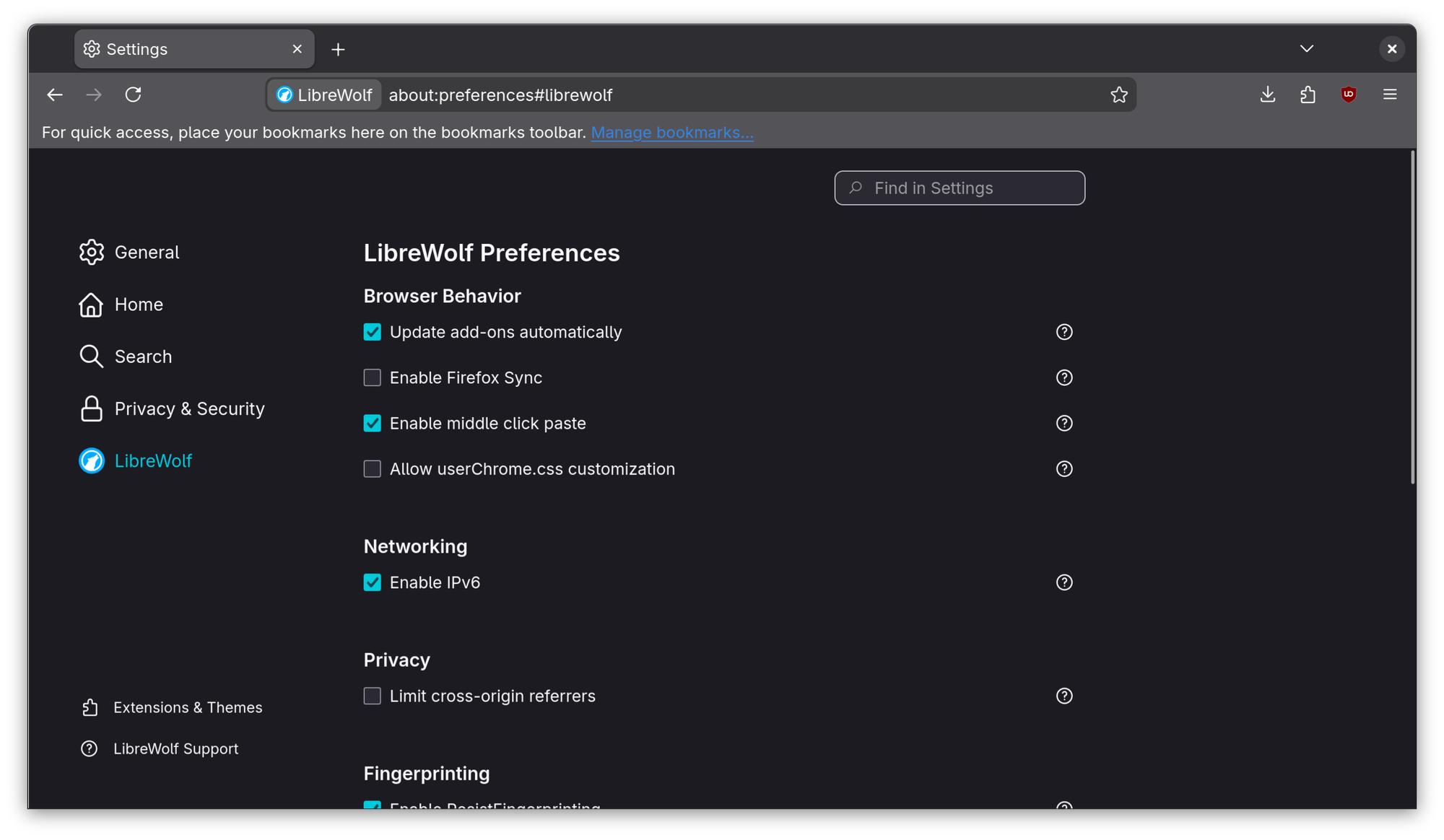
LibreWolf takes up the ambitious goal of removing all sorts of security issues from the usual Firefox. It does so first off by removing all telemetry, including all experimental data surveys. It provides privacy-oriented search engines by default, like DuckDuckGo, Searx and Qwant.
LibreWolf also includes uBlock Origin by default as well, to block ads and tracking. Other than that, it also disables Firefox Sync as some people don't want cloud based sync as well.
Altogether, you get a more Free Software Foundation styled open source version of Firefox. Meaning it is more towards the core principles of open source.
2. Waterfox
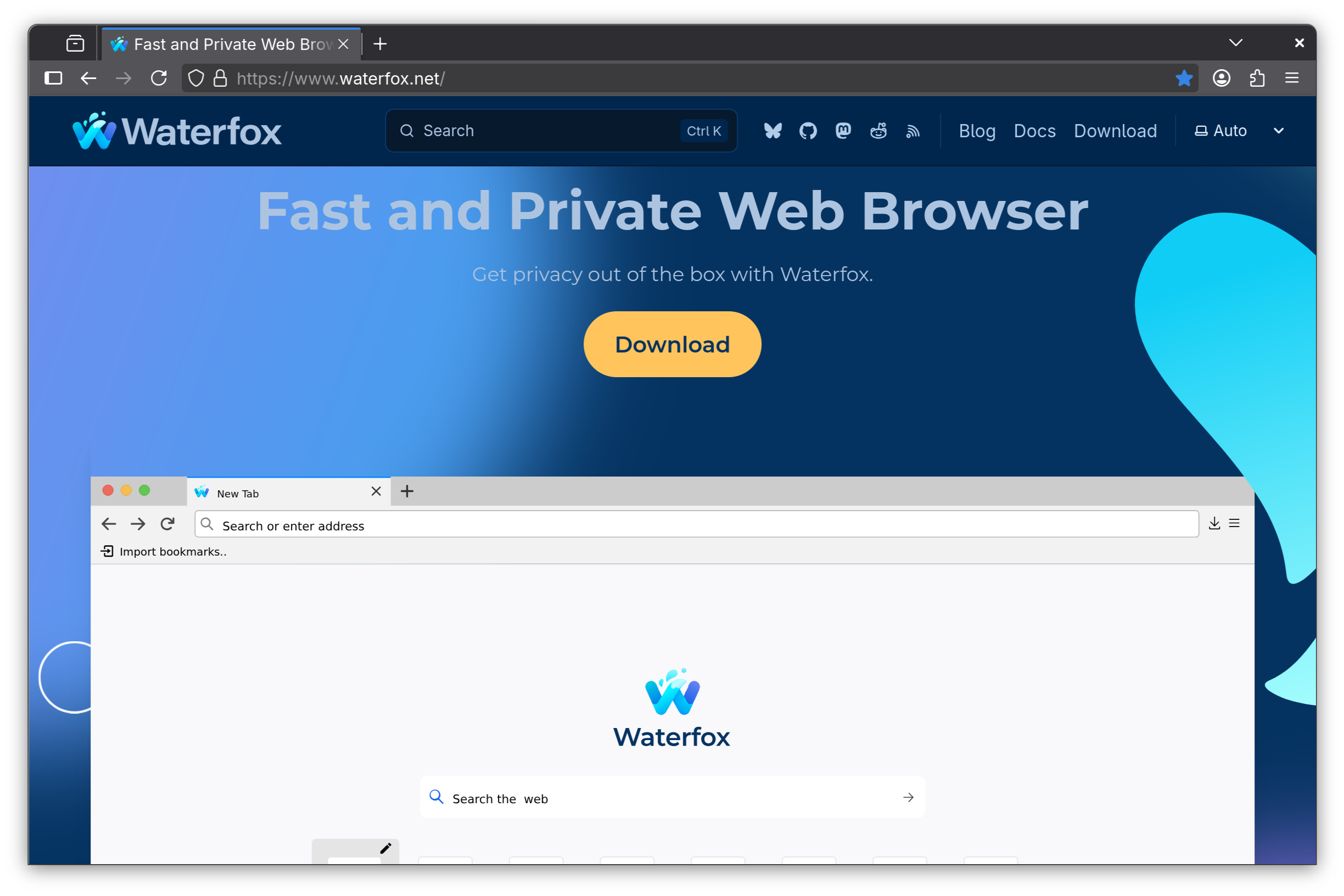
A similar option to LibreWolf, Waterfox offers extra privacy features. It comes with tracking protection by default, with things like Oblivious DNS, which makes it harder for the ISP to track online activity.
It allows you to open private tabs within the window of the regular tabs, making it easier to access the non-recording privacy measures. Correct me if I am wrong but I don't think Firefox has this option, at least by default. Telemetry, obviously, is disabled except for the bare minimum necessary for browser updates. It also provides clean link sharing, stripping it of the tracking parameters, along with privacy-friendly defaults for search engine.
Other than the privacy features, Waterfox offers ease-of-usage features such as smooth import from existing Firefox accounts, vertical tabs, container tabs for tab grouping and so on. Waterfox is beautifully designed, highly customizable, and delivers on its privacy promises, for which reasons it has been quite well reviewed.
3. Zen Browser

Zen Browser has gained quite some popularity in the last couple of years, and for good reason. It features an iconic vertical tab sidebar, with workspace support and compact mode for lesser visual hassle. Talking about cosmetic changes, it gives you heavy customizability for the browser themes, with gradients, textures and colors. It even offers community themes via the Themes Store.
For easier access to different tabs, it offers a split view, in which you can split the browser window to include multiple tabs side-by-side for multitasking. You'll love it if you have an ultrawide monitor.
Other than that, it also has privacy features with minimal telemetry, and offers a "calm" internet experience. I've used Zen personally for a stretch of time, and I had no complaints with it except for a slightly longer start-up time, which might not necessarily be the case for you (because my teammates at It's FOSS disagree).
4. Tor Browser
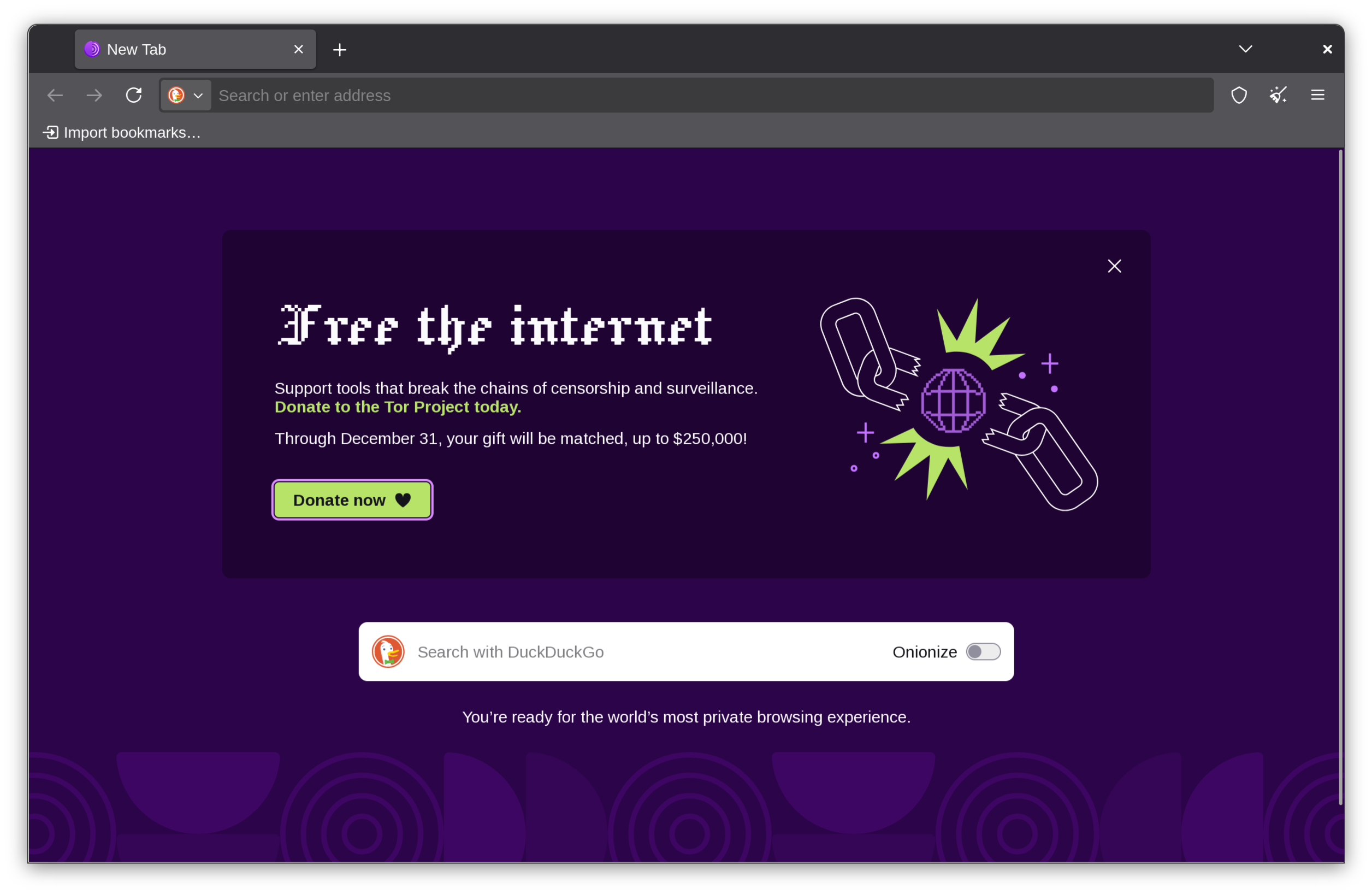
Tor Browser has its root in the privacy business, with the onion routing protocol. It was started off in the Naval Research Lab, which was designed primarily for isolated secure transmission of data. In simple words, onion routing protocol works like layers of an onion, where data is sent through network nodes called "onion routers", each of which peels away a single layer, revealing the next destination of the data, essentially making it harder to track where the data is coming from or going to, next. Each intermediary knows only the location of the next router, and no more.
Coming to the actual browser, it is pretty much a Firefox clone with multiple security levels, fingerprinting protection, and censorship circumvention using ".onion" sites. The security is so good that it has been historically used for whistleblowing purposes and anonymously published journalism such as WikiLeaks.
Due to the intricate protocol, however, it also tends to be quite slow. A number of convenience features, especially ones that require geolocation tend to work unwell on Tor.
Basically, use Tor browser when you need extra privacy, but it may not be suitable for your regular day-to-day web browsing activity.
5. Mullvad Browser
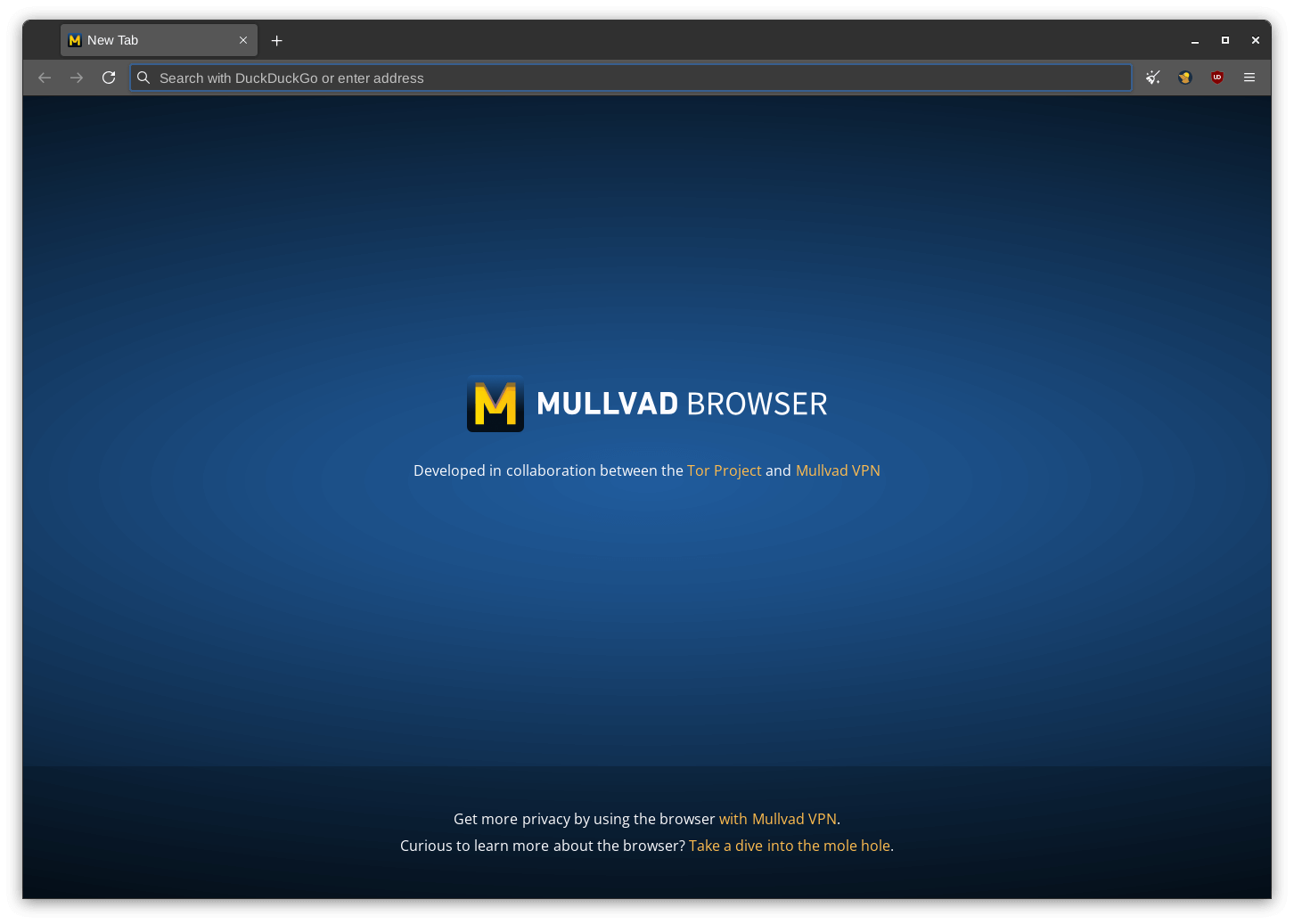
Mullvad is essentially being described as Tor without the Tor protocol. It has proper private browsing by default, and has an interesting and strong anti-fingerprinting policy. Mullvad makes all the users seem the exact same in terms of any identification parameters such as window sizes, fonts and so on to prevent special identification of any one user. Mullvad also has built in ad and telemetry blocking.
Mullvad insists on using a VPN service to pair with the browser, even offering one themselves (which is not free, but is affordable at $5-6 a month). It is configured with DNS-over-HTTPS (DoH) by default, which reduces the chances of DNS-leaking and improves privacy. Some UI changes make it a little inconvenient, such as locked window-sizes, but otherwise, it seems identical to Firefox and works just as well.
6. Floorp Browser
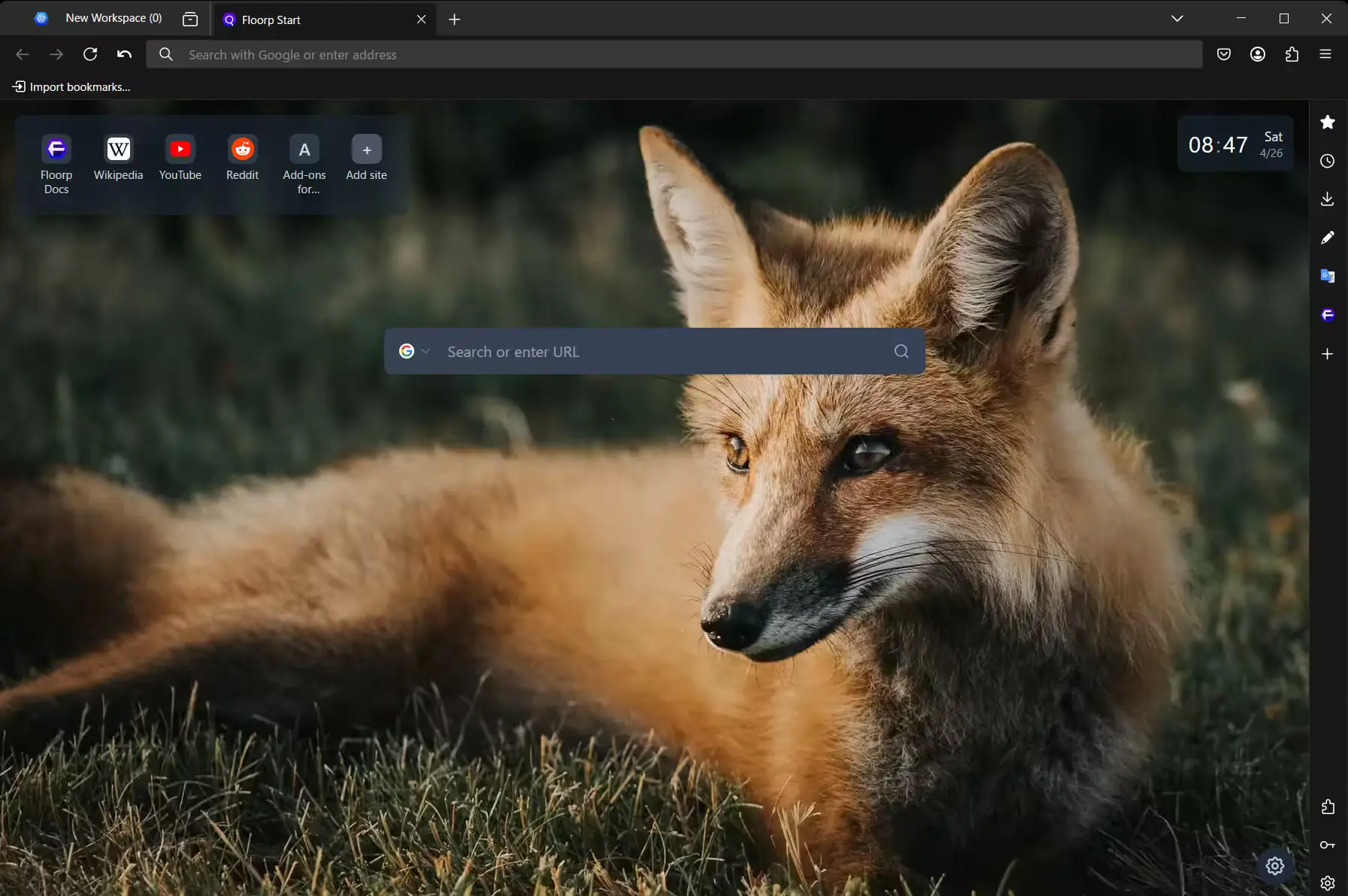
Floorp browser has a major selling point at customization. The top bar can be moved, the title bar can be hidden, vertical-style and tree-style tabs are available, and it offers a wide array of UI themes. Floorp offers many more interesting, unique features. Some of those are containerized workspaces, where in different workspaces, different login information and settings can be configured.
It also offers split tabs and custom mouse gestures. You can also use web apps on an internal Floorp Hub. It offers built-in note-making integration, which can be really useful for productivity work.
Because of the unique set of features, Floorp can be really great for productive work, and the customization options further helps the cause. If you're looking for a Vivaldi like option but in Firefox land, Floorp is a good option.
7. Pale Moon
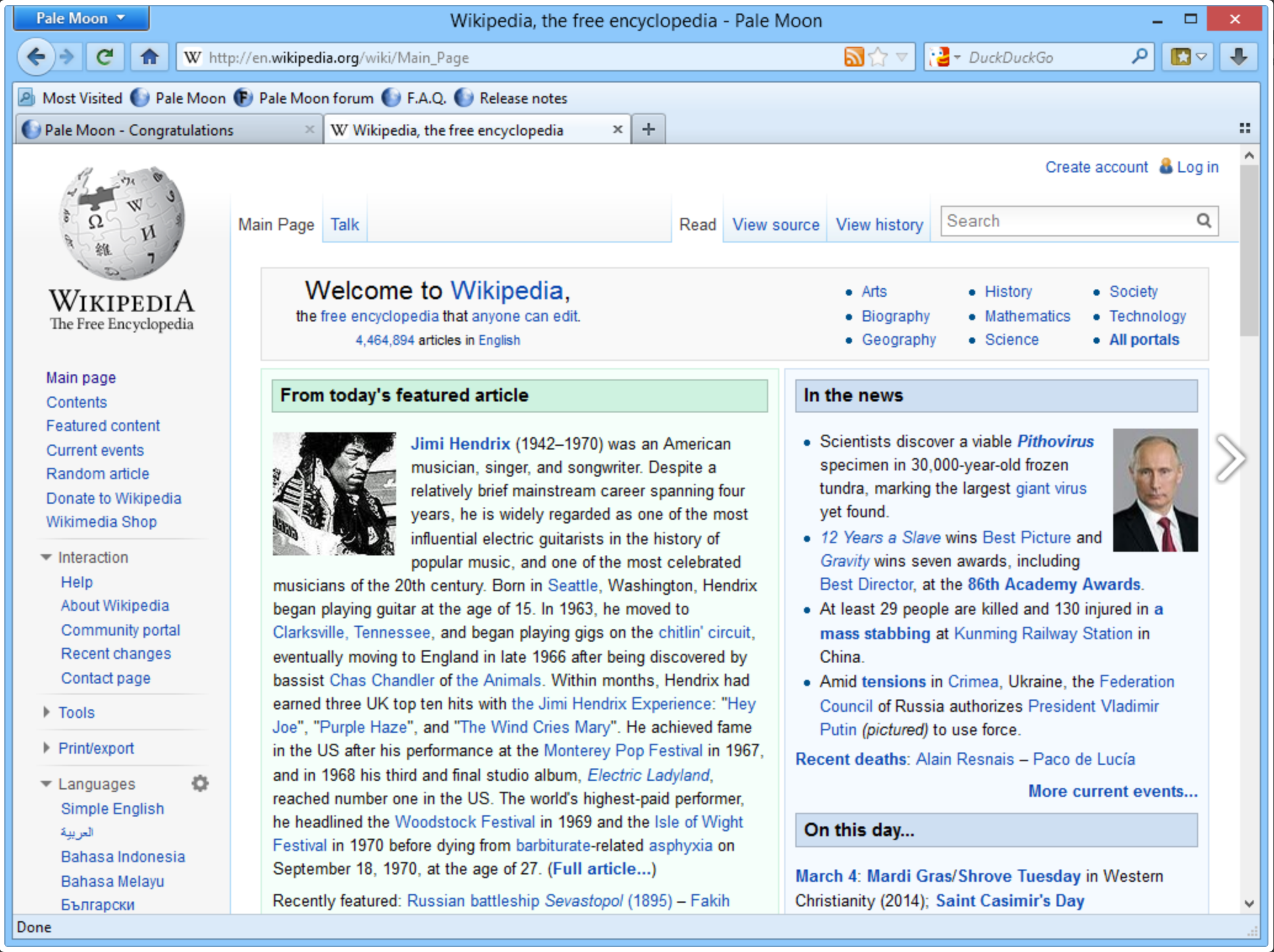
Pale Moon browser is one of the earliest forks of Firefox. They replaced the Gecko engine with a fork called Goanna. It has the interface of the traditional Firefox, which works well but surely looks dated. Of course, you can customize almost every aspect of the browser. It claims no data collection and telemetry, making it grea choice for privacy as well.
Another unique point here is that Pale Moon supports some obsolete web technologies and legacy Firefox plugins.
If you have to use legacy plugins or you are nostalgic about Firefox before the Quantum shift.
Conclusion
All in all, there are several Firefox-based browsers, and each of them offers something special, something different. Zen and Floorp have been creating quite a bit of buzz recently due to their interesting features, often being considered better than Firefox for both productivity as well as privacy.
Let us know in the comments which Firefox-based browser is your favorite. Cheers!
Recommended Comments