Google's New AI Tool Solves a Problem for Every Lazy Developer

By Blogger
· 3 views
Tue, 02 Dec 2025 11:17:07 GMT
Back on November 13, Google launched Code Wiki in public preview. The platform automatically generates and maintains documentation for code repositories using Gemini.
The tool addresses what Google calls software development's biggest, most expensive bottleneck, "reading existing code". In simple terms, Code Wiki keeps documentation constantly updated as the codebase develops.
Instead of static content that becomes outdated, it serves as a living wiki that evolves with every code change. Here's what it brings to the table. 👇
Code Wiki: Ciao Manual Documentation?
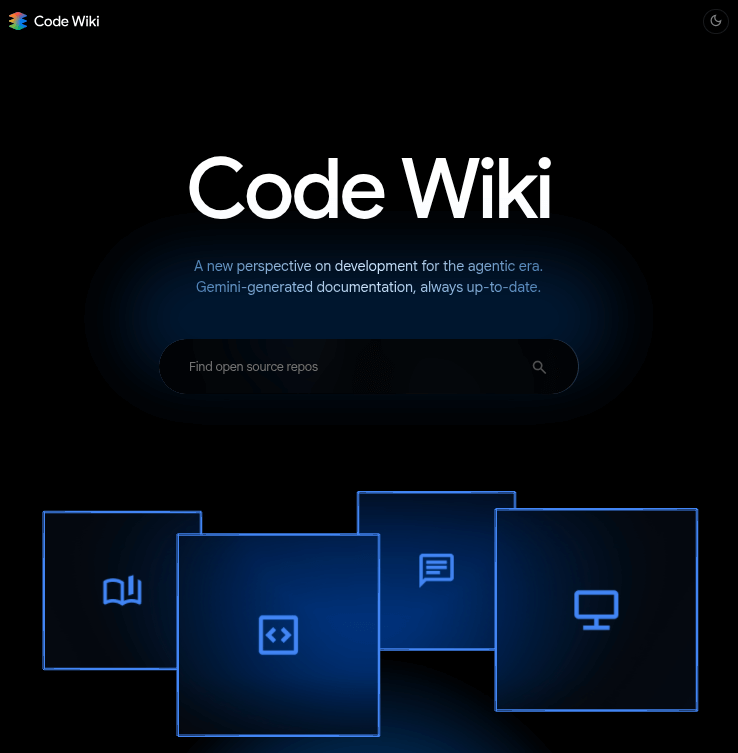
Code Wiki creates interactive documentation that links high-level explanations directly to specific code files, classes, and functions. Every wiki section is hyperlinked to relevant code files and definitions, merging reading and exploring into a relatively simple workflow.
The platform scans the full codebase and creates fresh documentation after each change. It can automatically generate architecture diagrams, class diagrams, and sequence diagrams that change with the code.
A Gemini-powered chat agent is also built in that uses content from the up-to-date wiki as context to answer specific questions about the code repository.
An Early Preview
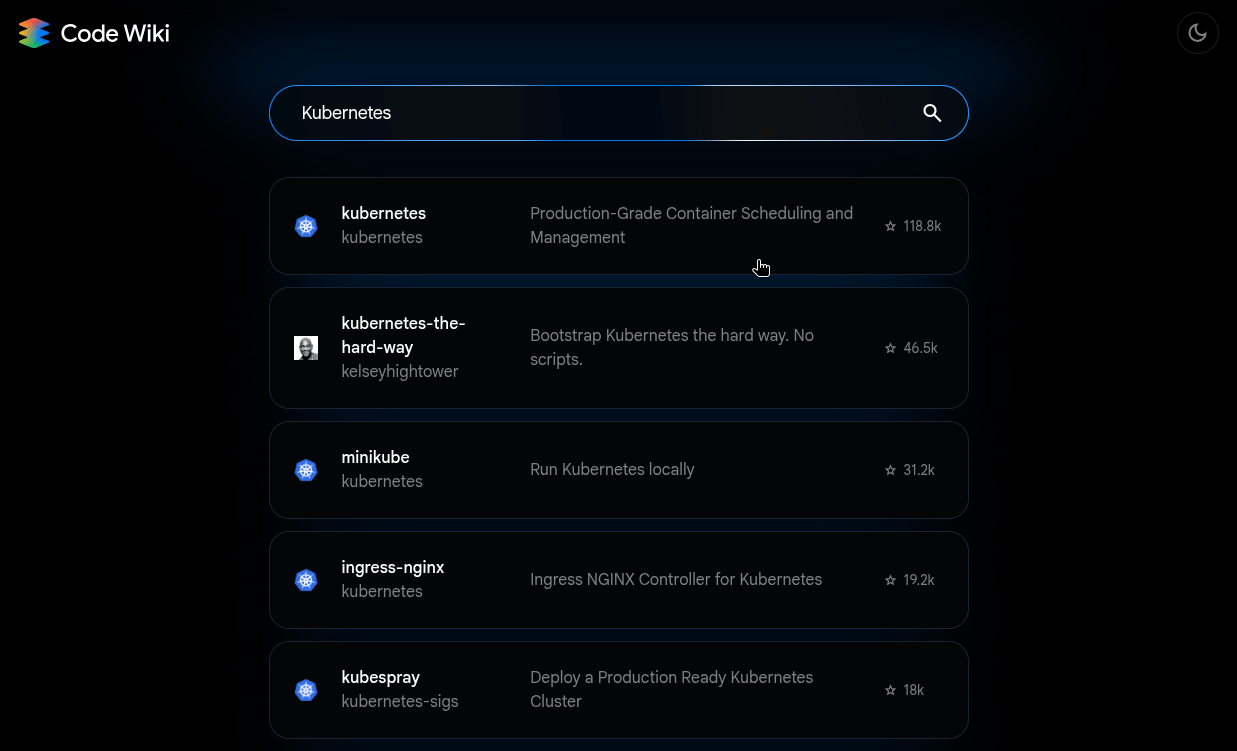
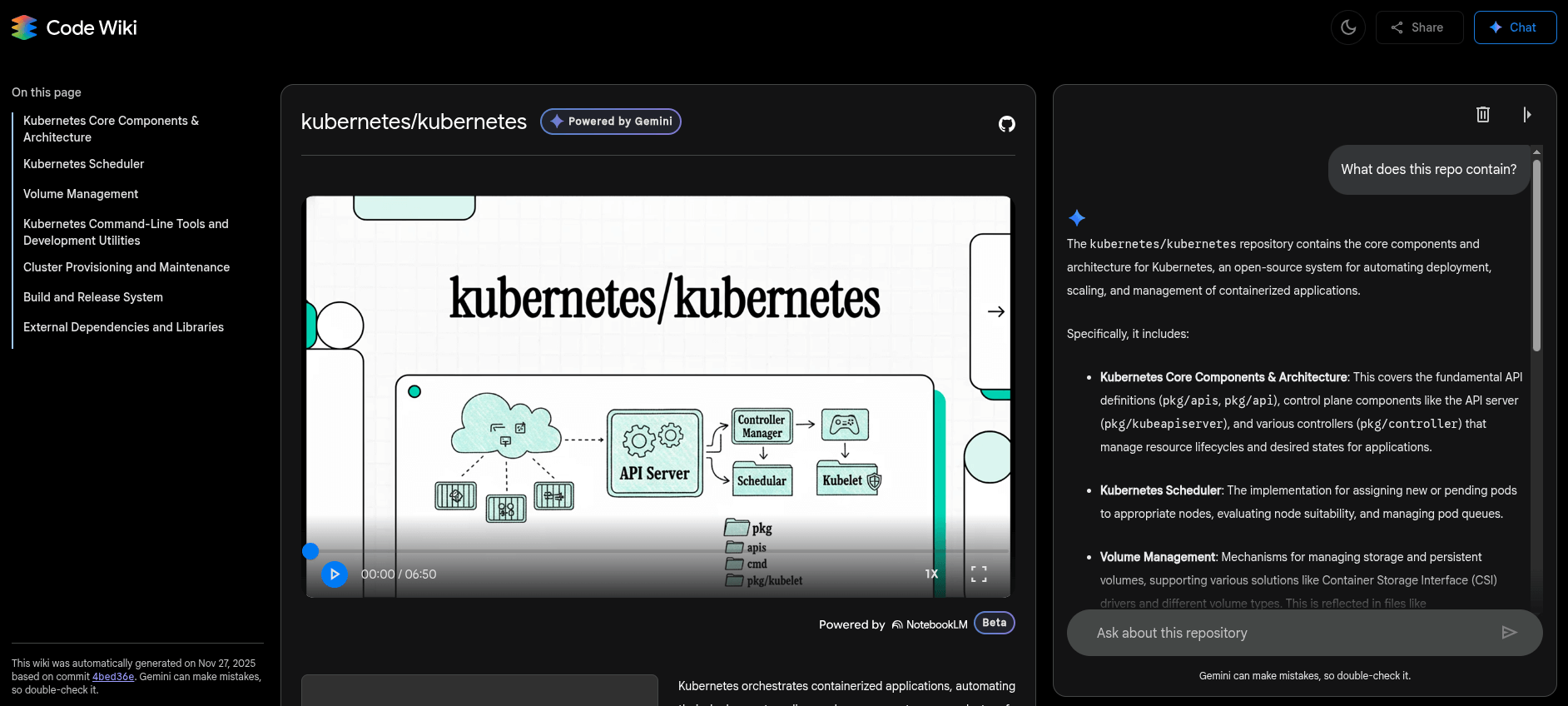
Code Wiki does a surprisingly good job!
I tested Code Wiki by searching for the Kubernetes repository. It displayed a detailed page with video, diagrams, and text explanations of the project structure.
After that, I asked the integrated Gemini chat a basic question about what the repository contains. It listed everything cleanly and organized the information in a way that made sense (using bullet points and so on).
If you want to check it out yourself, then the Code Wiki website is already live as a public preview. It should work well for searches of public repositories.
Google is also developing a Gemini CLI extension for private repositories, where developers and teams will be able to run Code Wiki locally on their internal codebases. It is not live yet, but you can join the waitlist to get access when it launches.
Recommended Comments